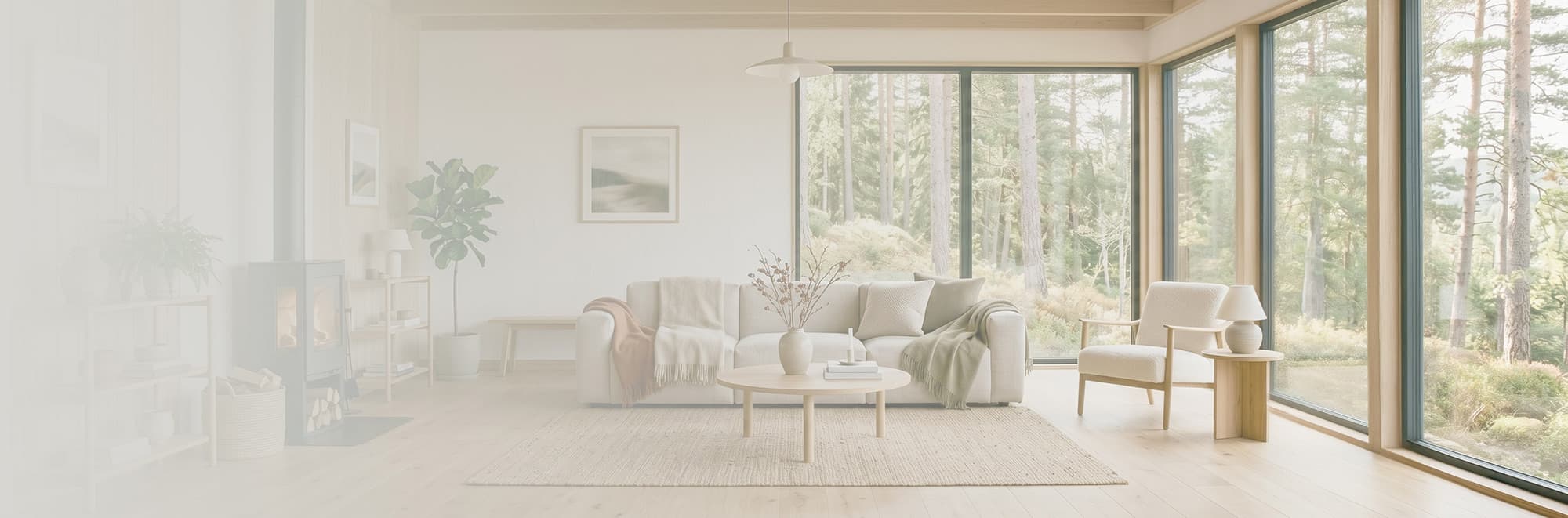
Rooms & Interiors
 Rooms & Interiors
Redesign any room, with things you can actually buy.
Upload a photo of any room in your house, or render a room from a 3D home. Add real furniture, lighting and finishes, apply a room style made from your own mood board, or shuffle a look picked for where you live.
Two ways to start
The room you have, or the room you're planning.
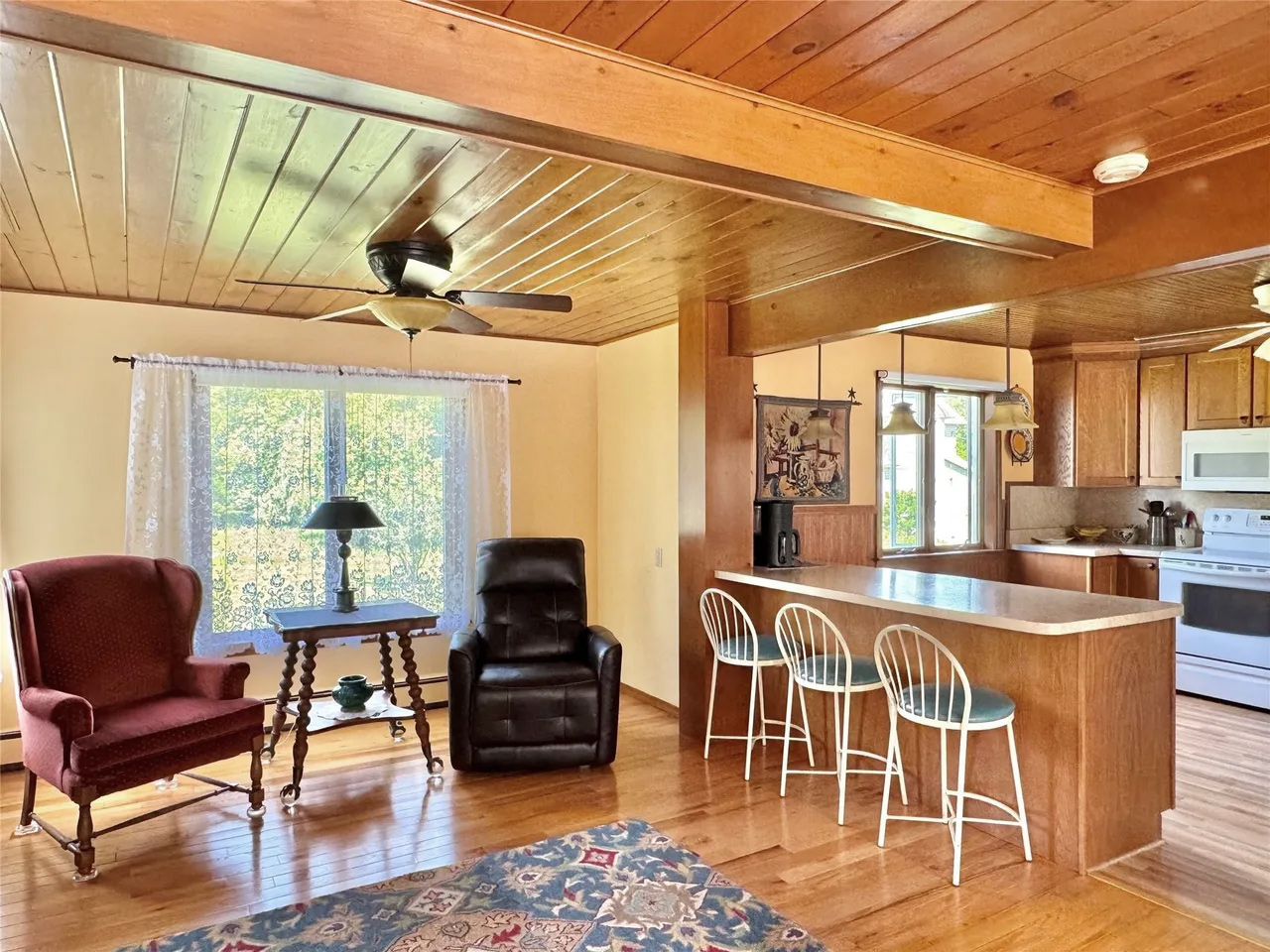
Upload any room
Snap the room as it is, mess and all. Pick its space type so Homeform knows what belongs there:
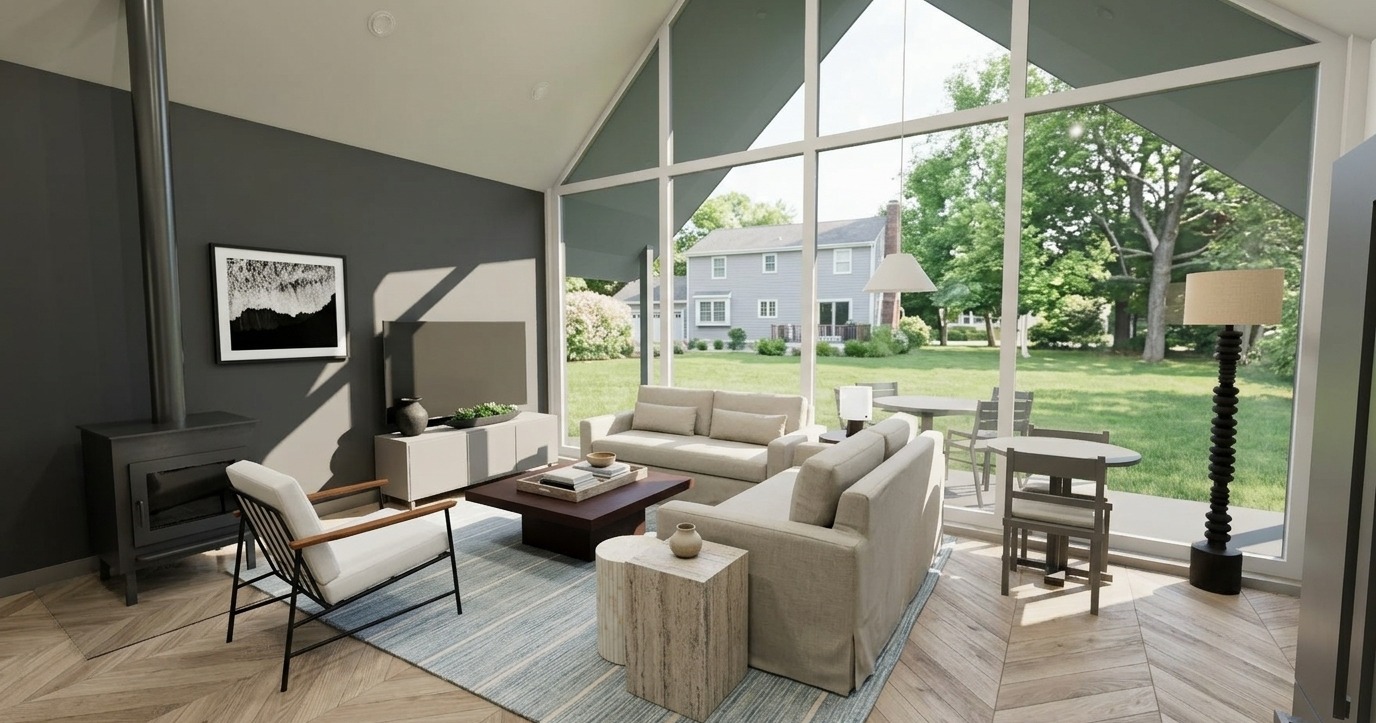
Render a 3D home's rooms
Walk through a home in Homes & Spaces, stop anywhere and render the view. The room opens here with its room type already set. How Homes & Spaces works
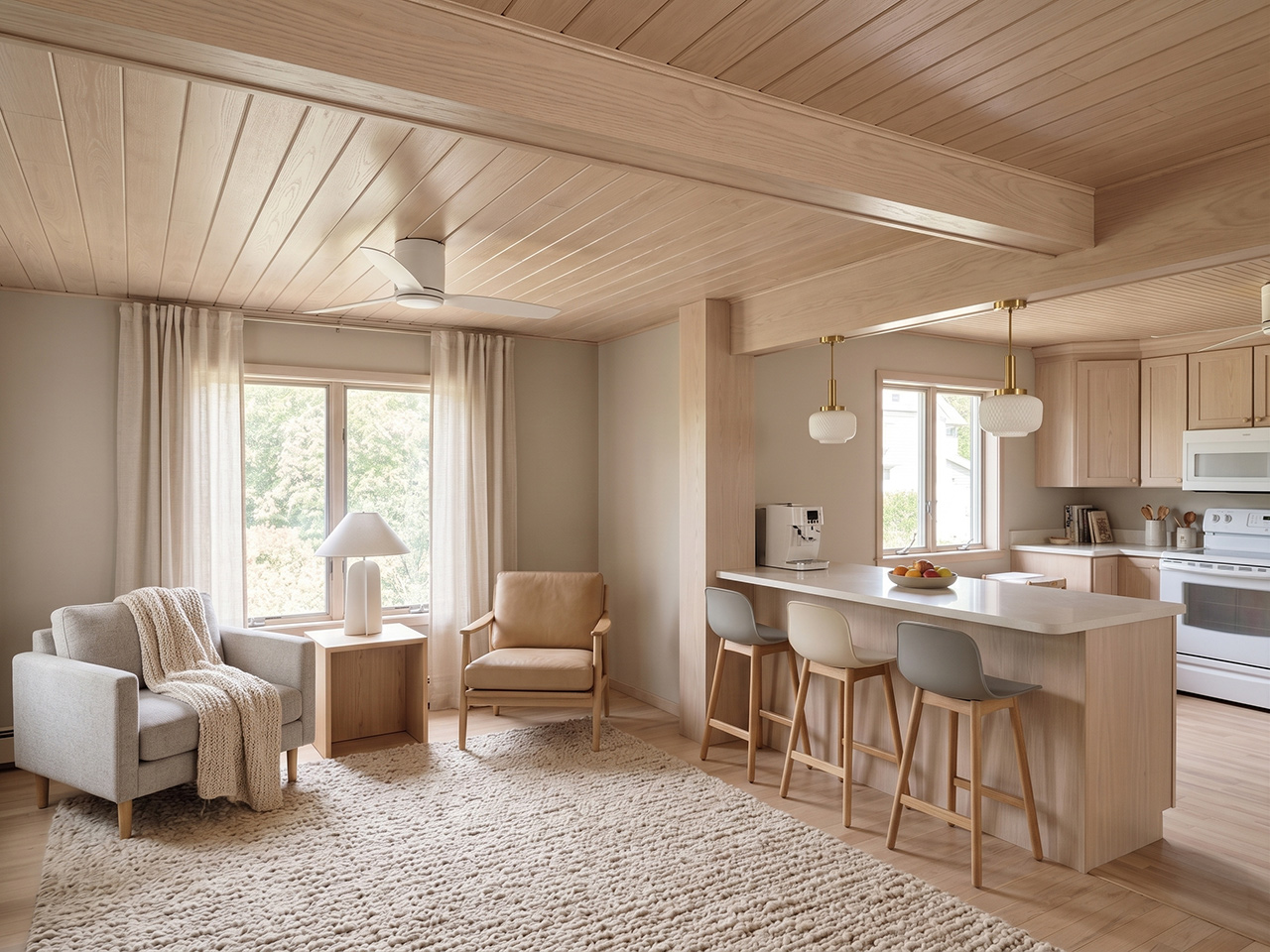
Catalog products
Pick the pieces. See them in your room.
Choose products by room type from brands you know, or search the whole catalog. Every product in your render is a real one, with a price and a link to buy it on the brand's own site.
Ecoregion style
A look that belongs where you live. Shuffle it.
Not sure where to start? Choose Apply the ecoregion look and Homeform reads your place, its landscape, its light and its native materials, then picks real products for your room that go together. Don't love it? Shuffle the look for another set. Try it below.

PALERMO HOUSEModo 5 Piece Sectional (Classic) - Moss

HaldeKylan Coffee Table

NeptuneElgin Beige Textured Loop Pile Rug, 200x300cm

Homeform catalogChai

Hennepin MadeMoraine Globe Pendant

Denver ModernWhitebird Sideboard
Apply the ecoregion look
Place Fit picks the products for your room. Your place comes from your ZIP code, or the county you set in Yards.
Choose your own
Pick products one by one instead. You can start from the look and edit it, too.
Room styles
Turn your mood board into a room style.
Collected a look you love? Upload your mood board, name it, add catalog products to it, and save it as a room style. Apply it to any room with Add a Room Style, as many times as you like.
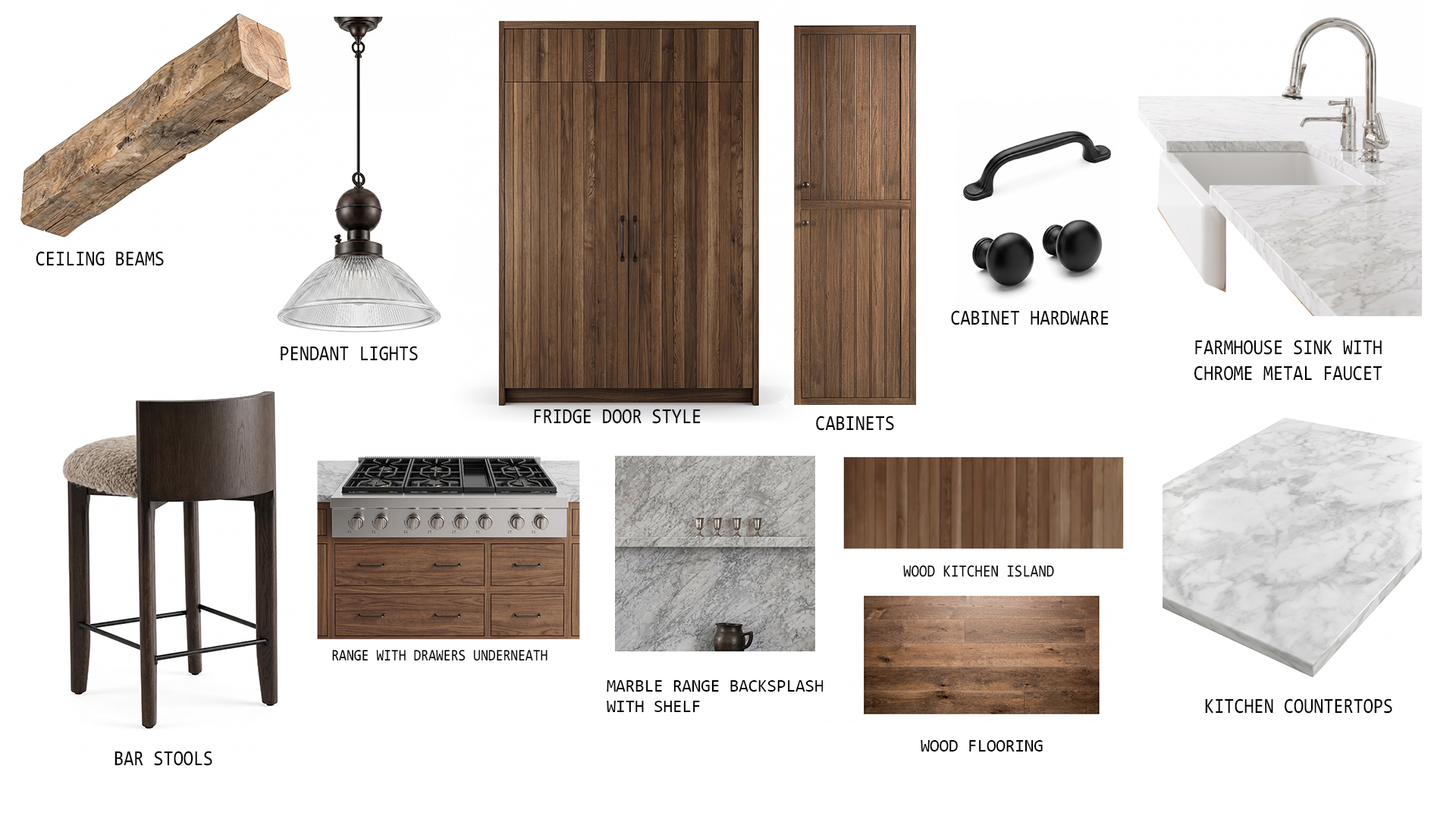
Upload your mood board
Any image of the look you want, and a name for it.
Add the products
Search the catalog and add the real pieces that make the look.
Apply it anywhere
Keep it as a private style, or, as a Pro, publish it to the Room Style marketplace.
Light & Dwell Kitchen, a room style in the app.
Refine this image
Change the light, season, camera and ratio.
Every render has a Refine button. Try morning light or a winter evening, move the camera in on one part of the room, or reframe it for a phone.
Pick a light, a season or a frame to preview it.
Light
Season
Ratio
Zoom the camera
In the app, name what to move in on, like a kitchen island, a fireplace or a bathtub.
How it works
From photo to plan.
Two steps to a render, then keep going on the same image.
Add a room
Upload your photo and choose the space type.
Select the products
Pick products, a room style, or the ecoregion look, then press Reimagine.
$0.18 of usageAdd Room Features
On any render, add more catalog products or a room style. Each change is a new version.
Swap and shop
Tap a product to swap it for another. See the room total and buy from each brand.
Save it
Add the image to My Home, under Kitchen, Living Room or any other room, or copy its style to another image.
Find a Pro
Need someone to design this? Find an interior designer near you.
1,923 products
Interior products in the catalog





The rest of the app
Every part works together.
Start free.
No card required.
Every account gets free usage each month. Subscribe for more, turn on on-demand when you need it. Every image you make is yours to keep.