
House Exteriors
 House Exteriors
See your home's new look before the work begins.
Upload a photo of your house, or render a home from Homes & Spaces. Refresh the surfaces or transform the whole look with real products from real brands, then dial in the light, season, camera and frame.
Two ways to start
Your house, or one that isn't built yet.
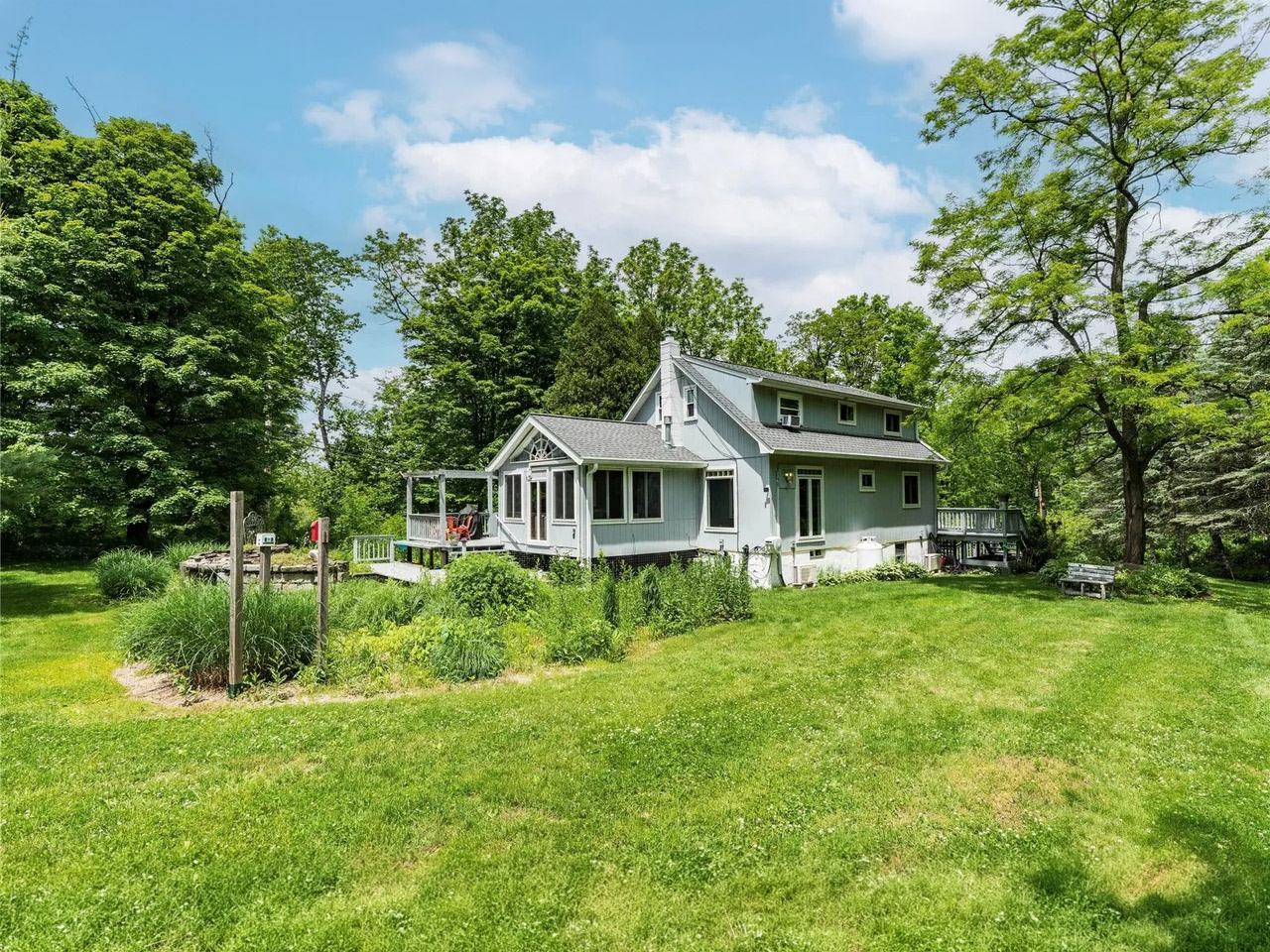
Upload a photo
Take a picture of the front of your house from the street, or any side you want to change, and upload it. Homeform keeps your house's shape and works from there.
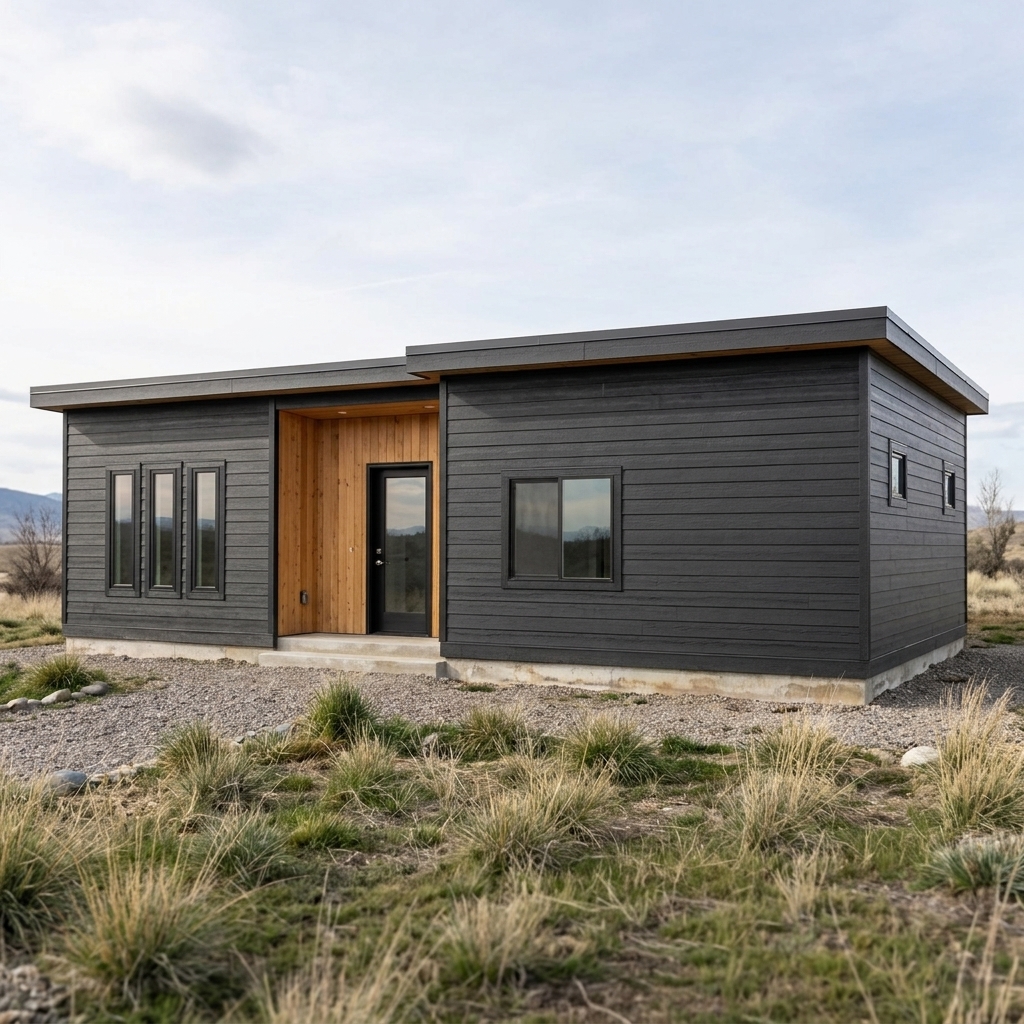
Render a 3D home
Customize a home design in Homes & Spaces and render it. It lands here, ready for landscaping, exterior styles and refinements. How Homes & Spaces works
How it works
Three steps, one image.
Add your house, pick a remodel type, then choose products or an exterior style. Press Reimagine and your new exterior is ready in under a minute.
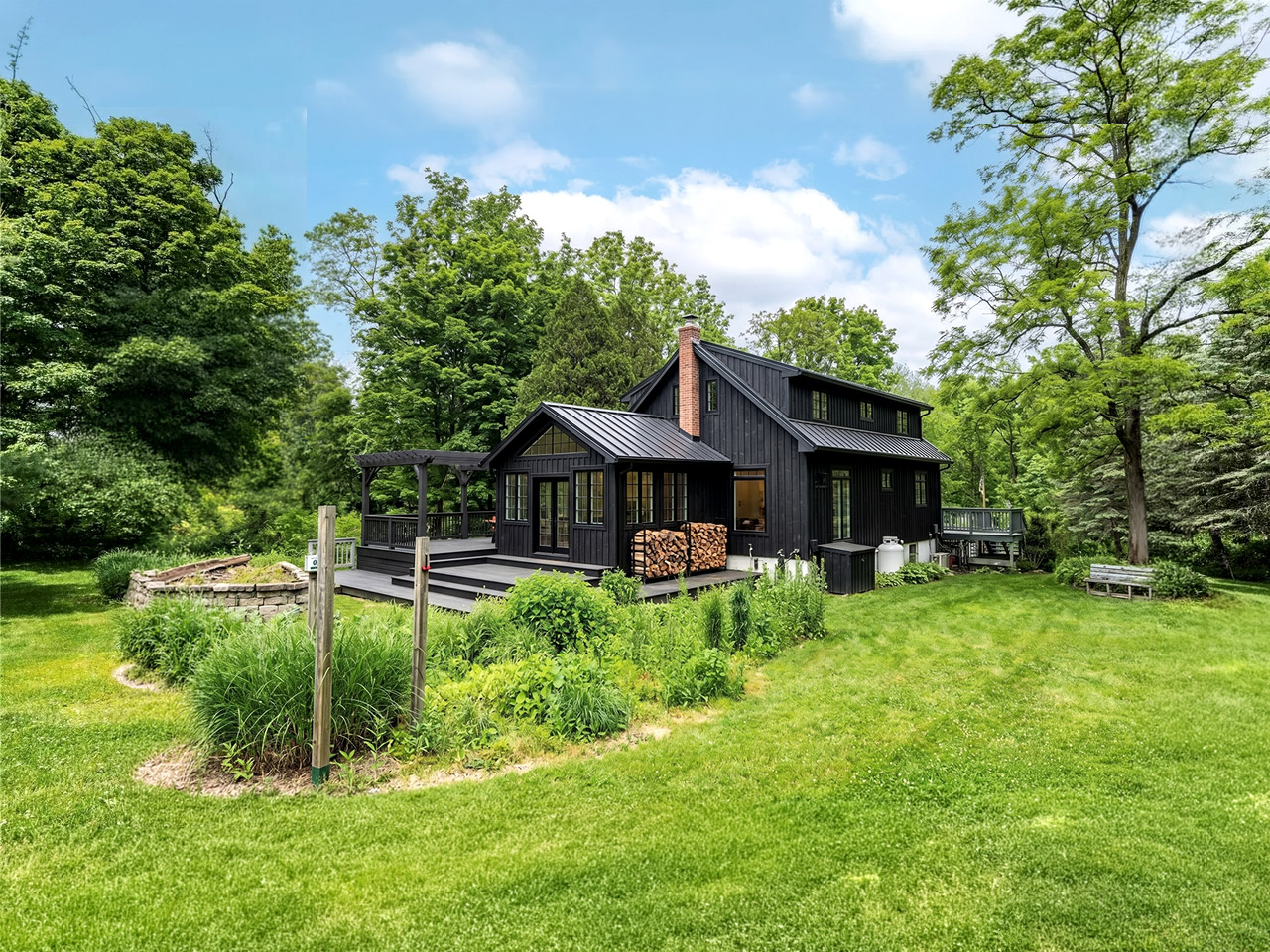
Add your house
Upload a photo, or start from a home you rendered in Homes & Spaces.
Refresh or transform
Keep the house as it stands and change its surfaces, or let Homeform change the house itself.
Choose products or a style
Real siding, roofing, windows and doors, or a complete exterior style. Then press Reimagine.
$0.18 of usage
Remodel type
Refresh it, or transform it.
Tell Homeform how far to go. A refresh keeps the house as it stands and changes its surfaces. A transform is allowed to change the house itself.
Refresh
Cosmetic and surface-level updates. Same footprint, a completely new look.
- New siding color or material
- Roof replacement in the same profile
- Paint and trim changes
- Window and door swaps
- Lighting and hardware upgrades
Transform
Structural or footprint-changing work. Bigger scope, bigger change.
- Additions and footprint expansions
- A new garage, porch or entry
- A full facade redesign
- Window and door size changes
- Structural exterior changes
Refine this image
Change the light, season, camera and ratio.
Every render has a Refine button. Try it below. See your house at golden hour or under snow, from the street or from above, framed for a phone or for print.
Pick a light, a season or a frame to preview it.
Light
Season
Camera
Ratio
Add Outdoor Features
Products, landscaping and whole styles.
Open Add Outdoor Features on any render and choose what to bring in next. Each one makes a new version and keeps the one before.
Add catalog products
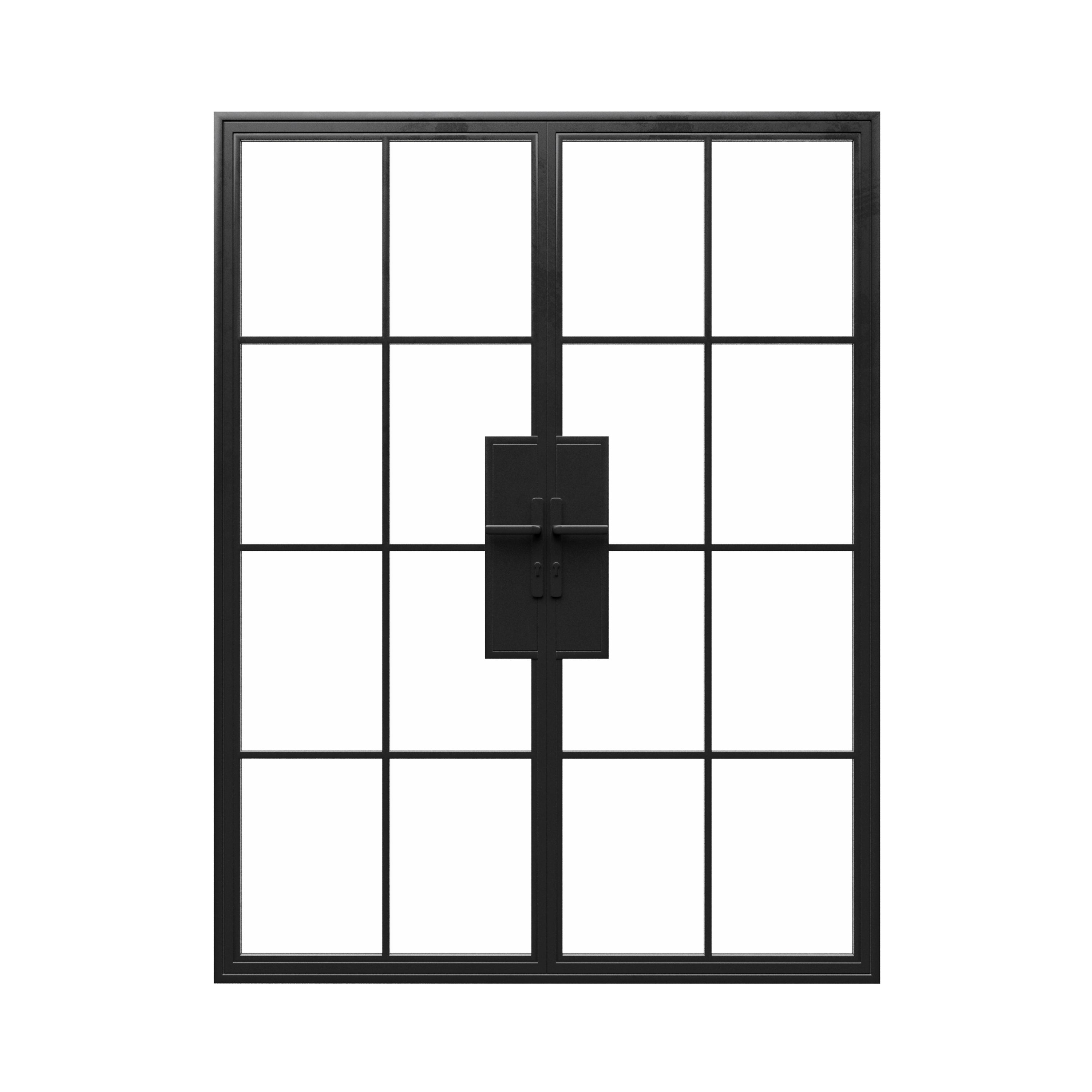
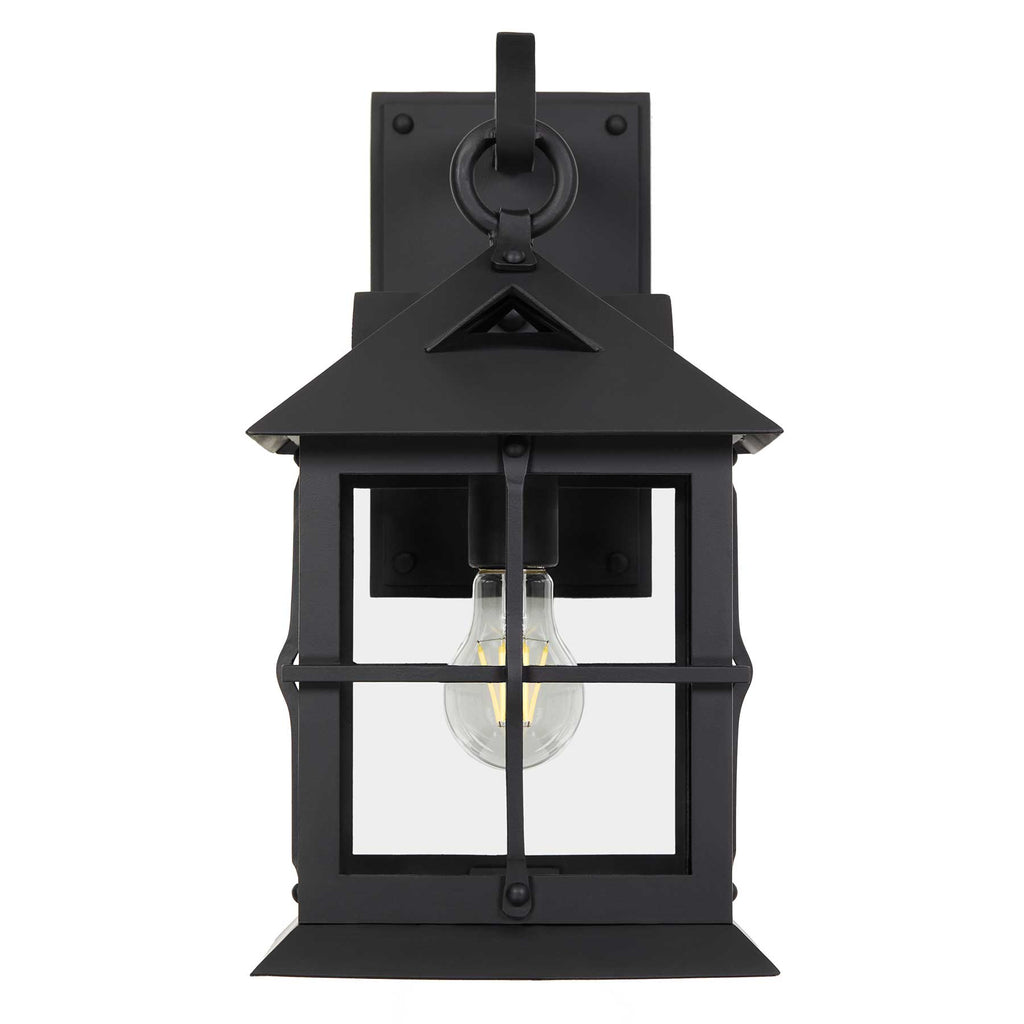
Siding, roofing, windows, doors, garage doors, trim and lighting from brands such as:
Add a landscaping style
Give the house a yard to match. Pick one of eight styles, planted with species that grow where you live.
Add an exterior style
The house keeps its shape; its materials and colors change to a complete, designed look.
Have your own look? Upload a reference image as a private style only you can see: Traditional, Craftsman, Farmhouse, Contemporary, Colonial, Mediterranean.
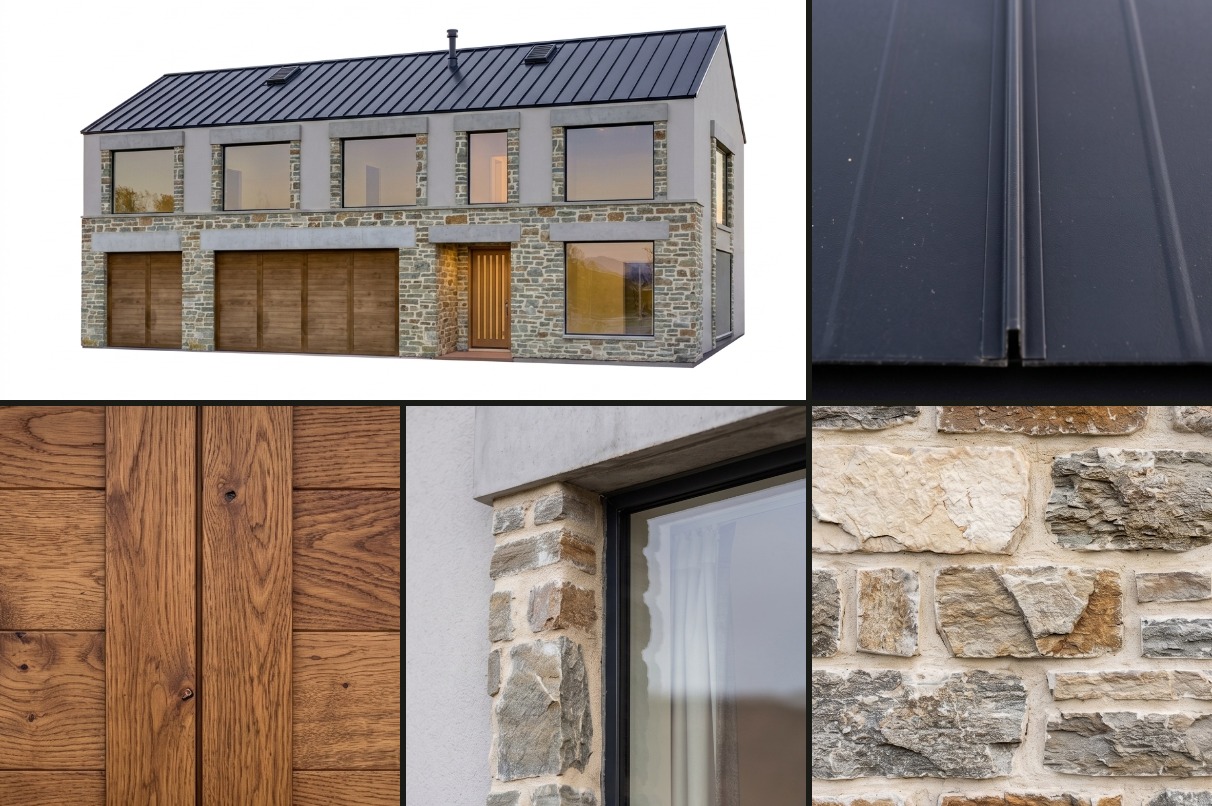
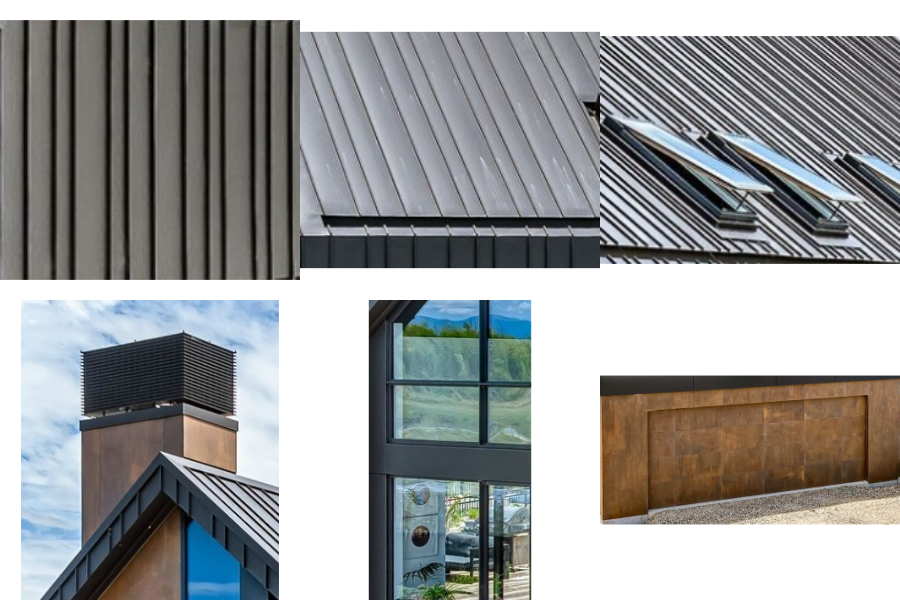
Exterior styles in the app today.
Shop this look
Every product is real, and you can swap it.
Open a render and each product in it gets a dot. Tap one to see it, or swap it for another and Homeform puts the new one into your image in about 30 seconds.
Swap a product
Sort the alternatives by best match or by price, then swap one in.
Edit with words
Type a change, like "make the front door black", and apply it to the whole image.
Buy or build it
See the total and buy each product on its brand's own site. Need someone to build it? Find a Pro near you.
151 products
Building & exterior products in the catalog





The rest of the app
Every part works together.
Start free.
No card required.
Every account gets free usage each month. Subscribe for more, turn on on-demand when you need it. Every image you make is yours to keep.