
Homes & Spaces
 Homes & Spaces
Your home designs, customized in 3D and rendered for real.
Homes & Spaces is where architects and modular home companies put their designs in front of buyers. Buyers customize a model in your own 3D designer, see it as a photo with real products, and reserve it with you.
The catalog
Your models, live in the catalog.
These are Ekstra's current models. The list comes straight from Ekstra's API, so a new model or a new price shows up on Homeform without anyone uploading it twice.
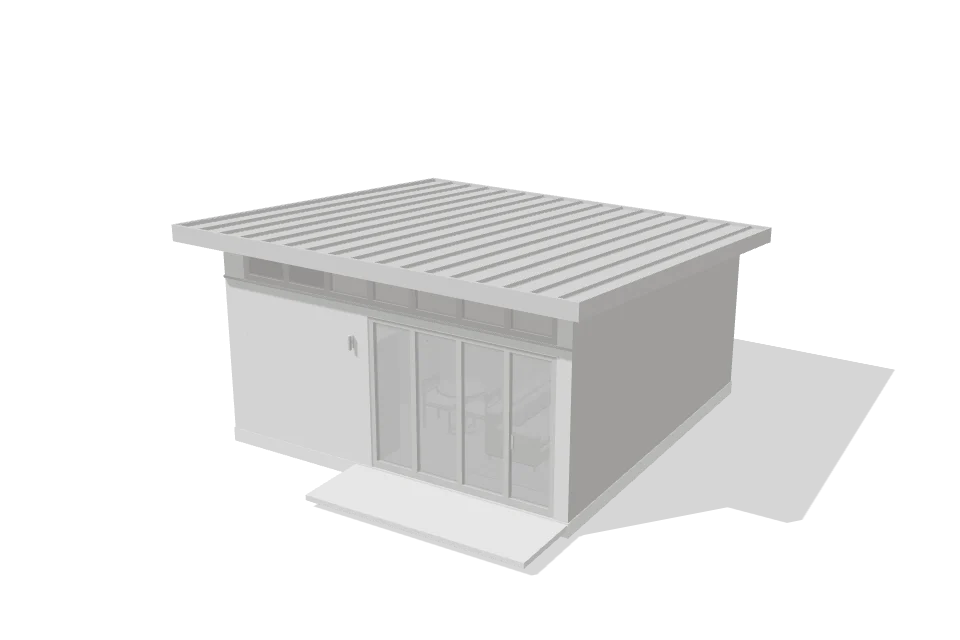
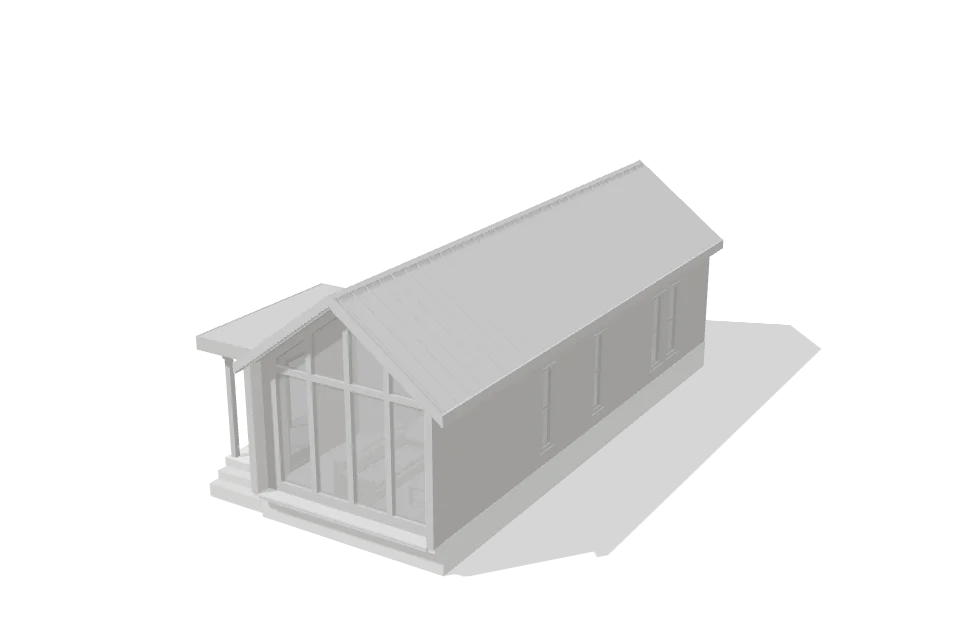
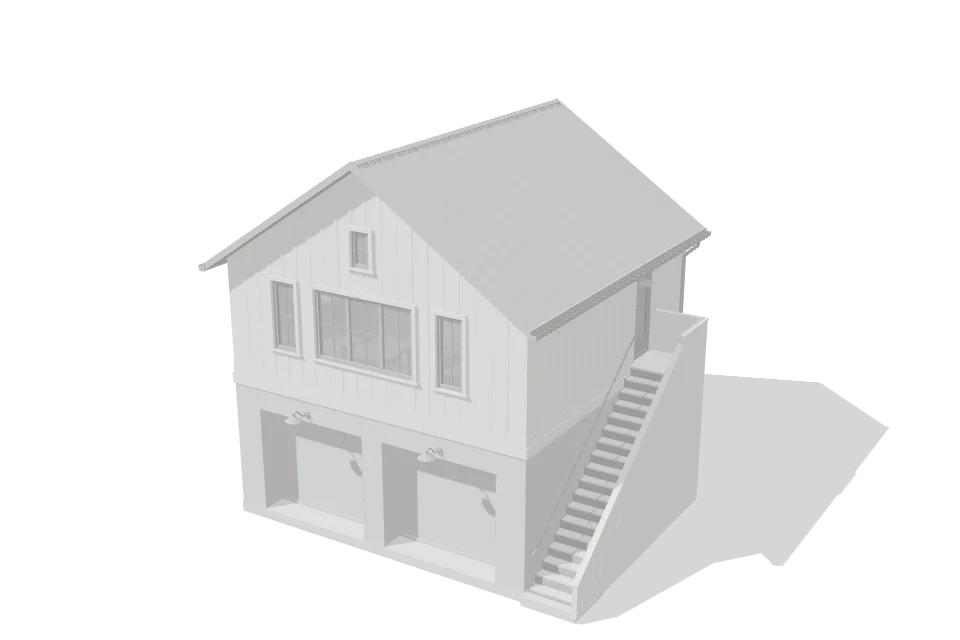
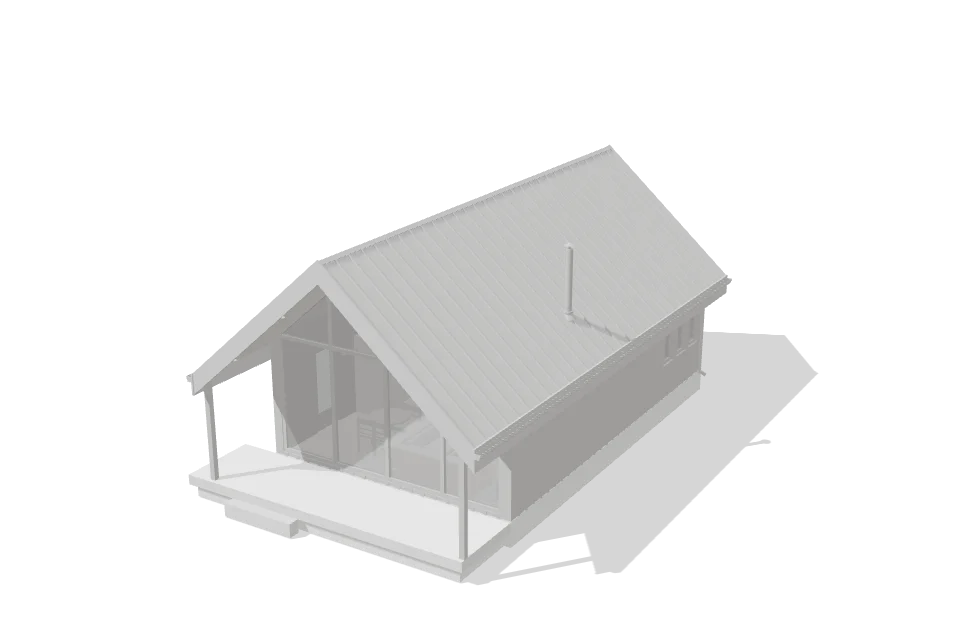
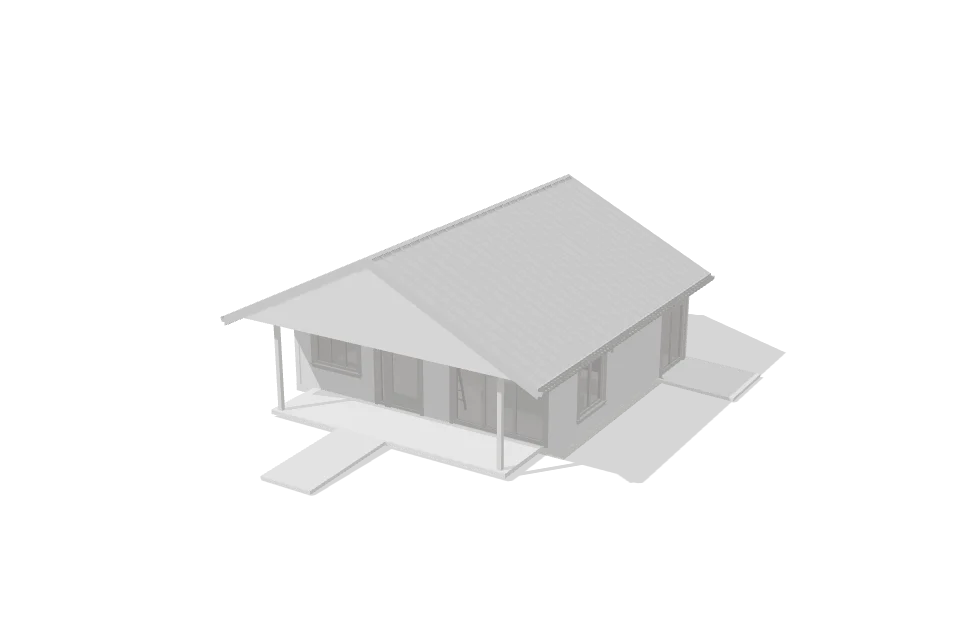
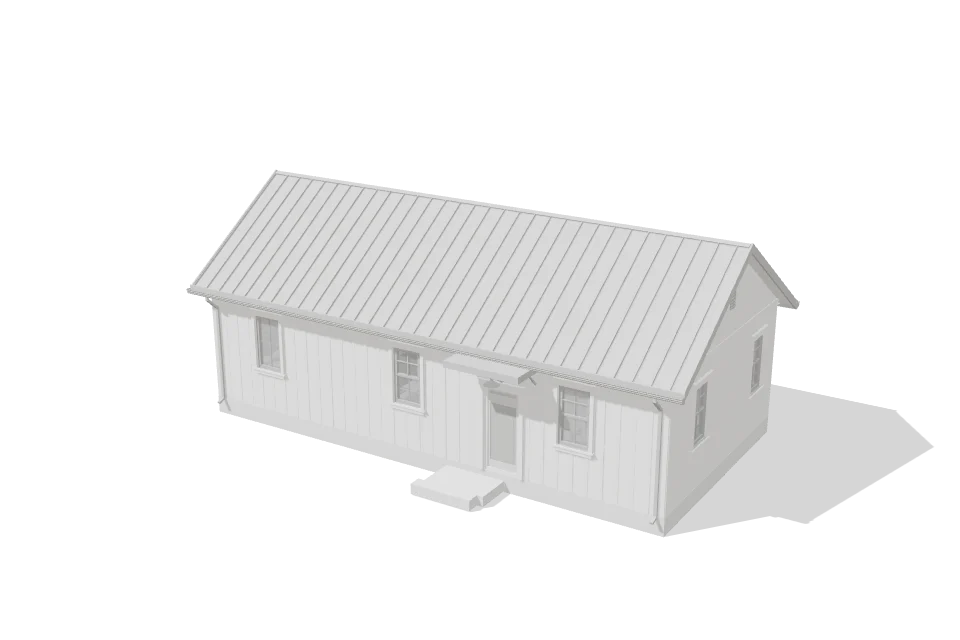
Ekstra's models as Homeform shows them today.
For architects and modular home companies
Four ways to plug in.
Ekstra, a steel-frame home company, was the first to connect. Each piece works on its own, and together they take a buyer from browsing to a reservation without leaving the experience you designed.
List your models
Homeform reads your catalog with a read-only API key: names, sizes, footprints, prices and photos. Change a model on your side and Homeform shows the change.
Embed your 3D designer
Buyers open a model in your own configurator, full screen inside Homeform. Every change they make comes back to Homeform as they make it, so the render matches.
Hand off to reserve
One button sends the buyer's exact configuration to your estimate and reservation page. For Ekstra, that button is Reserve with Ekstra.
Or render in your app
Already have a configurator? The Homeform API turns your 3D views into photoreal images with real, priced products, on your own site. See the API
The 3D designer and configurator
Buyers make the home theirs.
Click any home and your designer opens with it. Buyers change the outside piece by piece, save their version, and come back to it later from their Saved tab.
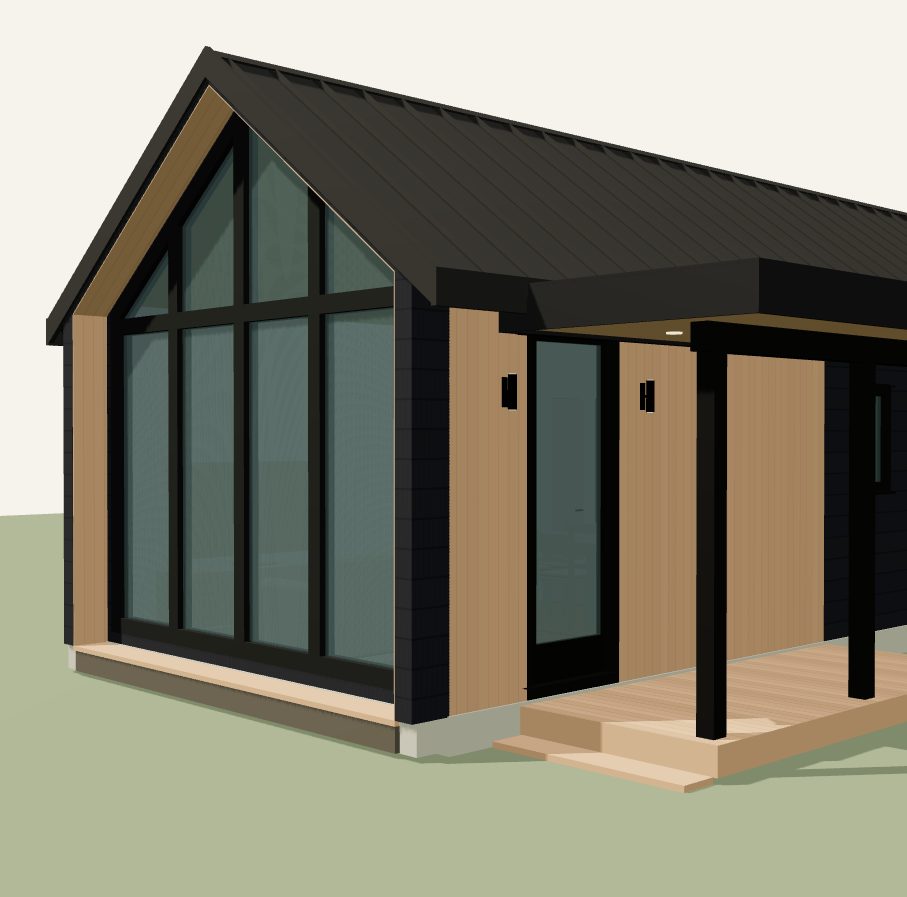 Elv, in Ekstra's designer
- Siding. Lap, fiber-cement and composite lap, board-and-batten, cedar, cedar channel, charred (shou sugi ban), tongue-and-groove, metal panel, shingle, stucco.
- Colors. Primary and accent colors, an accent wall and how far it runs, and a different material on each side of the house.
- Trim and casing. Corner trim from slim metal to 1x8, trim bands, and window and door casing: picture, craftsman, farmhouse or brickmould.
- Roof and details. Roof material and color, fascia, soffit finish, window frame color, entry door color and glass, porch posts.
- Plan and walk-through. Switch to the floor plan, or walk through the rooms in first person and render the view you stop on.
From 3D to photo
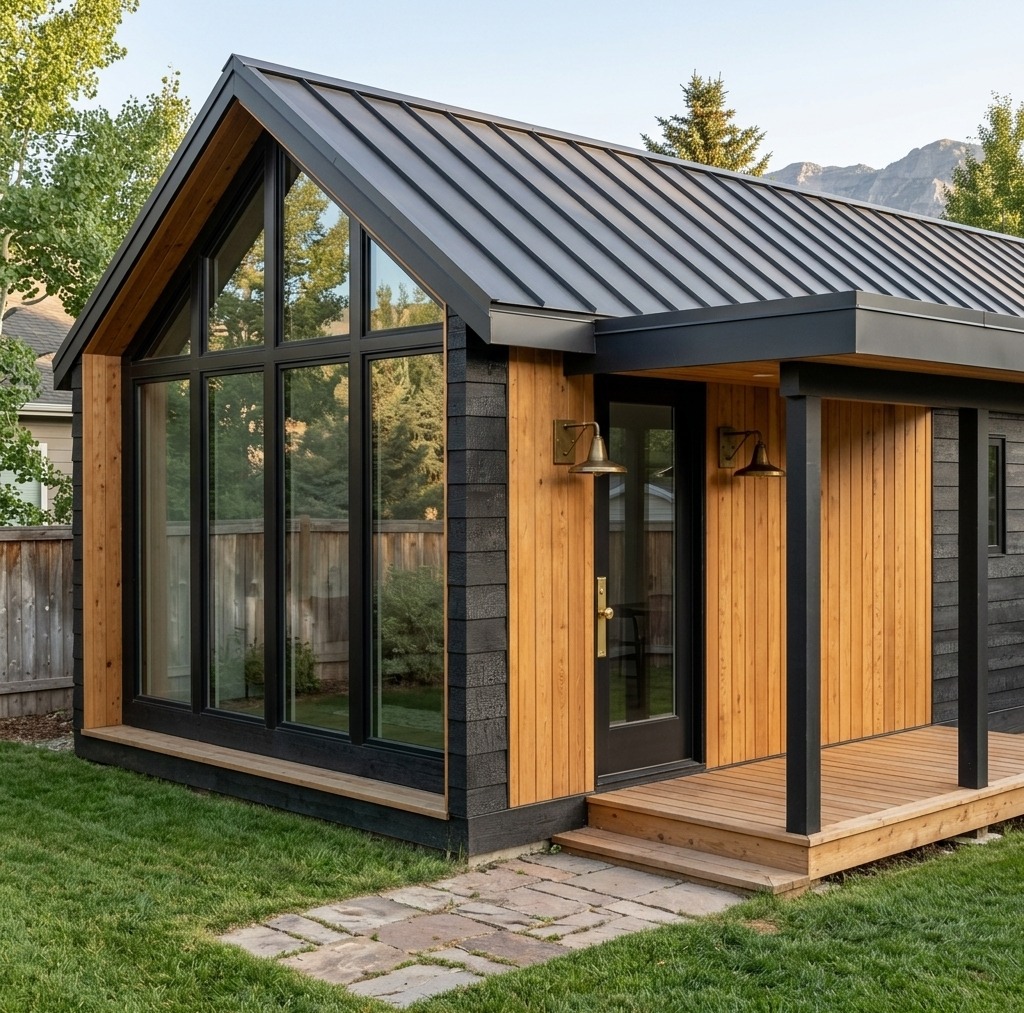
Press Render. Get a photograph.
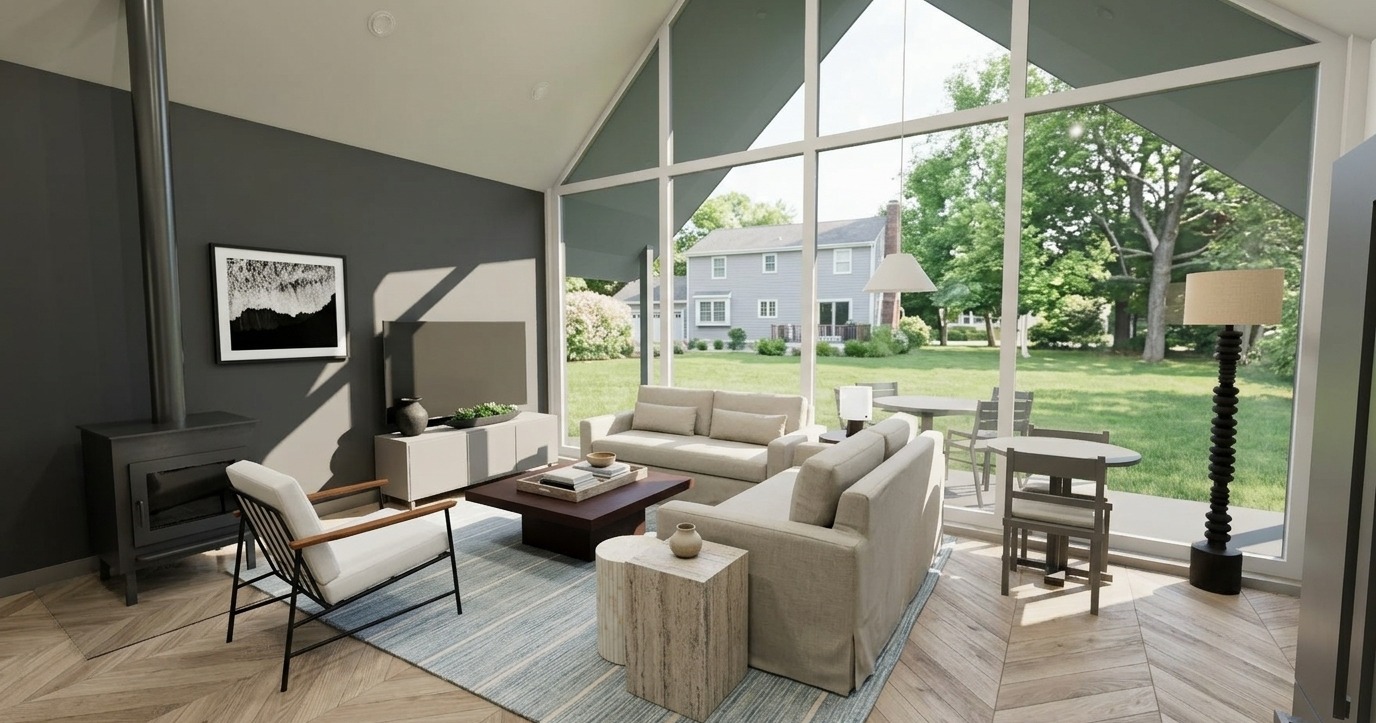
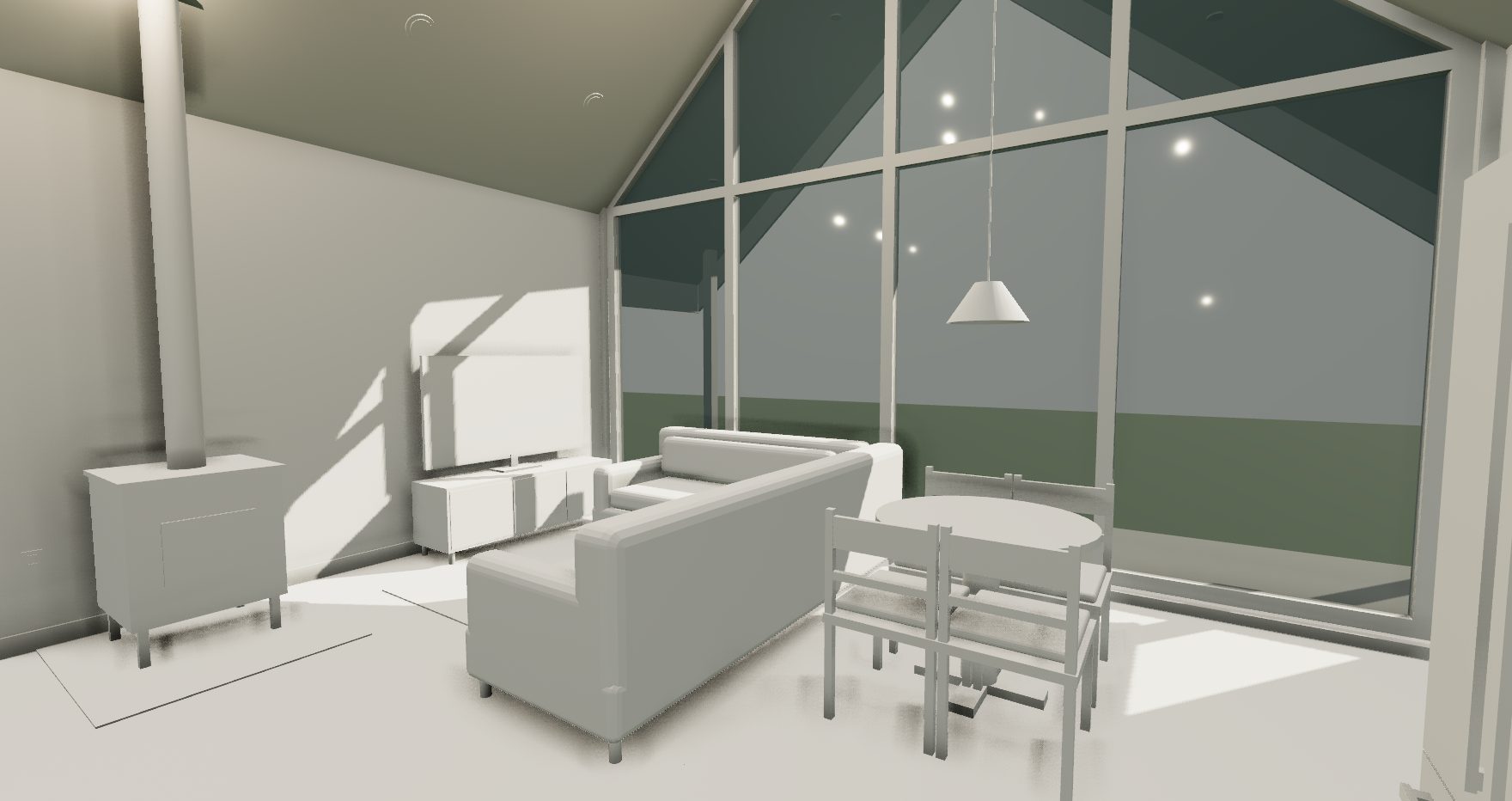
Homeform turns the designer's view into a photoreal image of that exact home, materials and all, in its setting. Drag the slider to compare.
Real products in every render
Furnish it before it is built.
Before a render, buyers can add real products: siding, roofing, doors and windows outside; furniture, lighting and flooring inside. Or let Homeform pick a look for where they live.
Render from a style
Homeform finds the buyer's ecoregion from their ZIP code, reads its landscape, light and native materials, and picks real products that belong together. Not right? Shuffle the look.
Pick products
Search the catalog by product or brand and choose up to 40. Every product in the render is a real one, with a price and a link to buy it from the brand.
Keep going
One home, every view.
A rendered home doesn't stop at the render. It moves into the rest of the app.
Landscape it
Exterior renders land in House Exteriors with an Add landscaping button, so buyers can see the home with a yard that fits their region.
House ExteriorsFurnish every room
Walk-through renders open in Rooms & Interiors, where the room type is detected for you and any catalog product or room style can be added.
Rooms & InteriorsPlace it on a lot
Drop the real 3D model into a photo of a backyard, or onto an actual property from its address, and make it photoreal.
PropertiesWant your homes on Homeform?
We connect architects, ADU builders and modular home companies one at a time. Tell us about your models and your designer, and we will show you what the connection looks like for you.
The rest of the app
Every part works together.
Start free.
No card required.
Every account gets free usage each month. Subscribe for more, turn on on-demand when you need it. Every image you make is yours to keep.